Radar vs Camera vs Overhead: Launch Monitor Technology Explained
The sensor inside decides everything: accuracy, the space you need, indoors vs outdoors, and price. Pick the technology first, then the model.
Every launch monitor answers one question, how did the ball and club move, but they answer it in very different ways. That method, the sensor technology, is the most important thing to understand before you buy. It sets how accurate the numbers are, how much room you need, whether it works indoors or out, and what you pay. Two units at the same price can behave completely differently because one is radar and the other is a camera. Here is how each technology works, what it is good and bad at, and which real units fall into each camp.
The technologies at a glance
Five approaches cover essentially the whole market. Skim the table, then read the section for whichever fits your setup.
| Technology | How it measures | Best for | Space needed | Indoor / outdoor | Price span |
|---|---|---|---|---|---|
| Radar (Doppler) | Tracks the ball and often the club in flight via Doppler shift | Outdoor range work, full ball flight | Deep: room behind you and long flight to the target | Best outdoors; works indoors into a screen | ~$200 to $25k |
| Photometric (camera) | High-speed cameras photograph the ball at impact | Indoor simulators, tighter rooms | Shallow: reads the first inches off the face | Best indoors; usable outdoors | ~$700 to $16k |
| Overhead camera | Ceiling-mounted cameras, out of the swing plane | Permanent indoor studios | Needs a 9-10 ft+ ceiling | Indoors only | ~$5k to $20k |
| Hybrid (radar + camera) | Radar for flight plus cameras for club and impact | Best all-around data, indoors or out | Moderate | Both | ~$700 to $25k |
| Other sensors | Infrared mats, swing-stick and optical sensors | Ultra-budget, minimal space, putting | Minimal | Indoors | ~$150 to $500 |
Radar (Doppler)
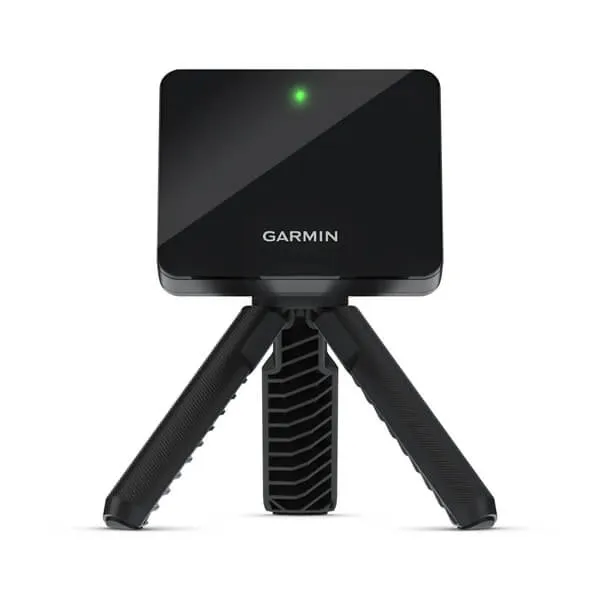
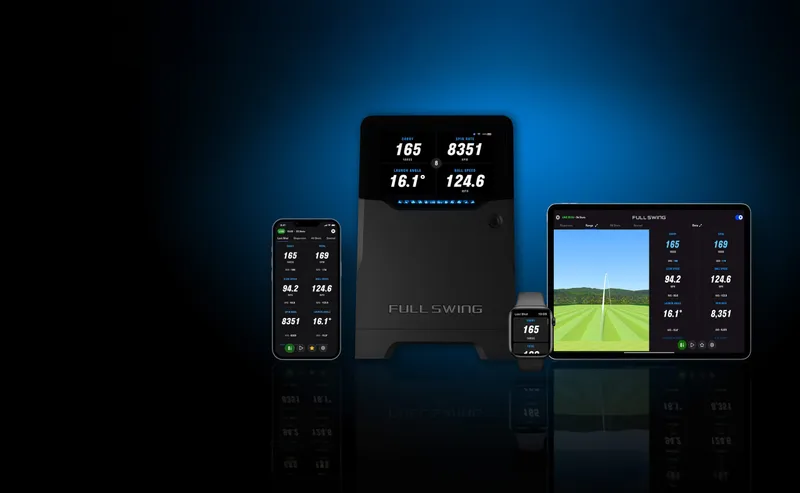
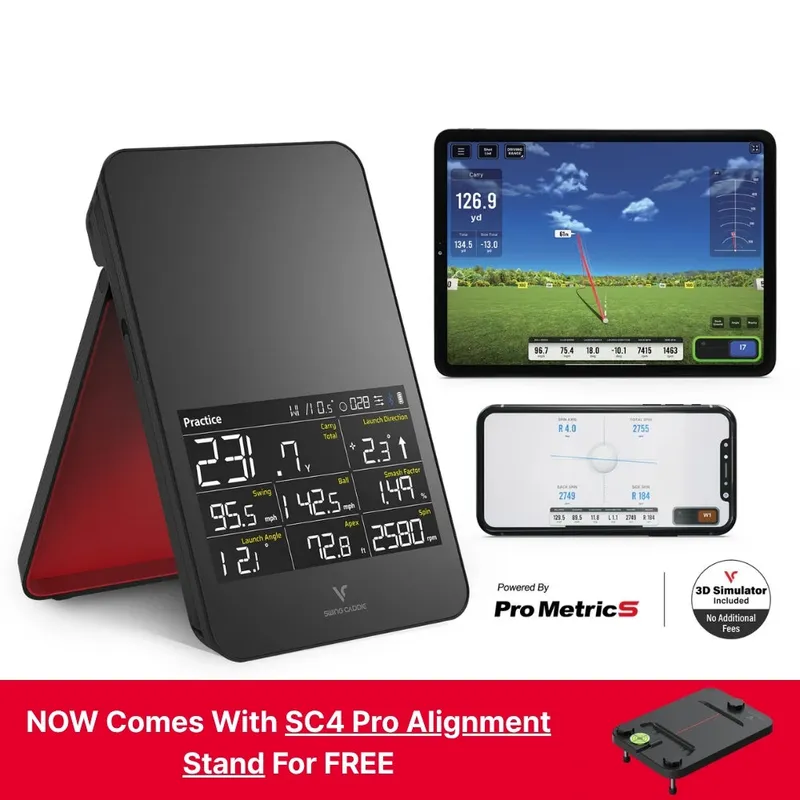
Radar units sit behind you and bounce microwaves off the ball (and on better units, the club) as it travels, reading the Doppler shift to calculate speed, launch, spin, and the full flight. Because they watch the ball actually fly, they shine outdoors on a real range where nothing gets in the way. This is the technology behind the tour-truck names as well as the most popular portable units.
Pros
- Excellent outdoors and for genuine full-flight data.
- Generally the most data per dollar; many units are portable and battery-powered.
- Forgiving about ball marking and lighting.
Cons
- Wants depth: room behind you and space for the ball to travel.
- Indoors it sees only a short flight into the screen, so it infers some numbers rather than measuring them.
- Spin is often calculated rather than directly measured on cheaper units.
Best for: golfers who practice outdoors, have a deep garage or bay, or want the most metrics for the money.
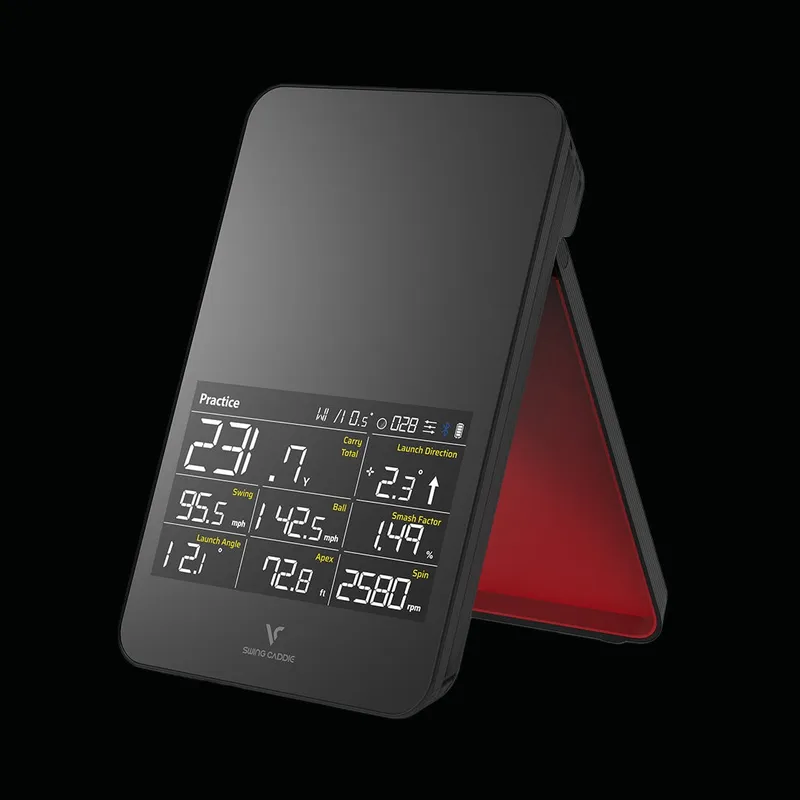
Example radar units
Photometric (camera)
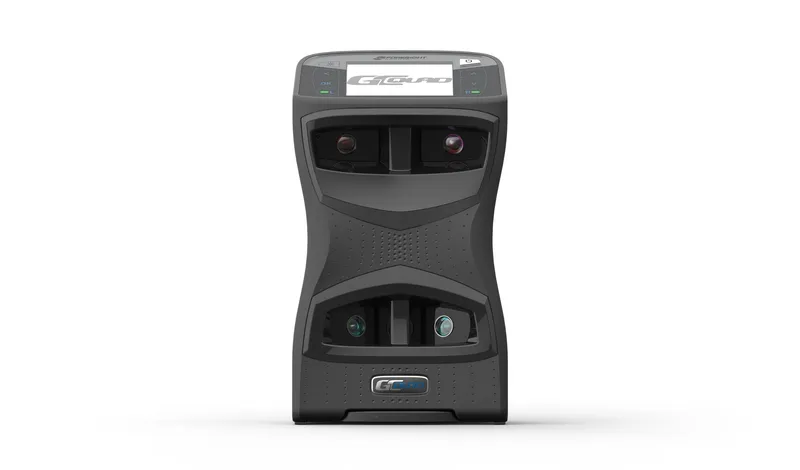
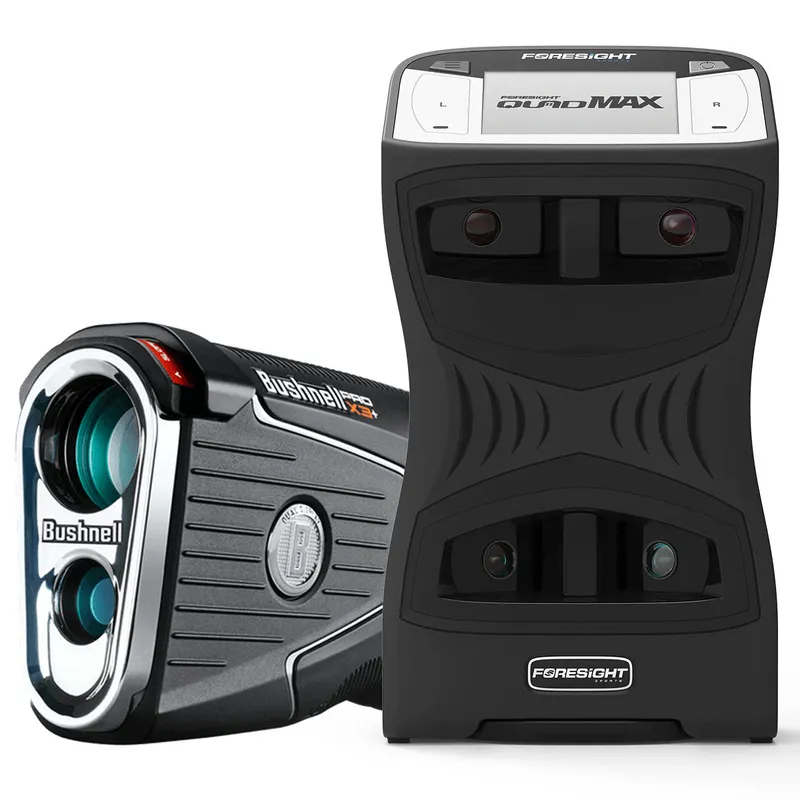
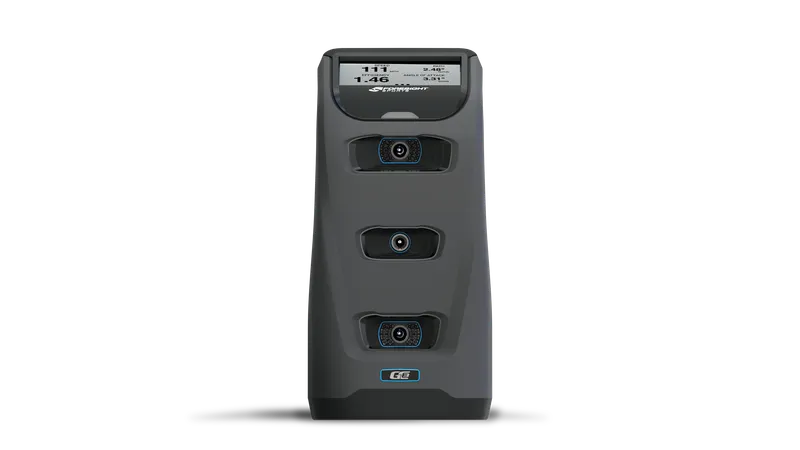
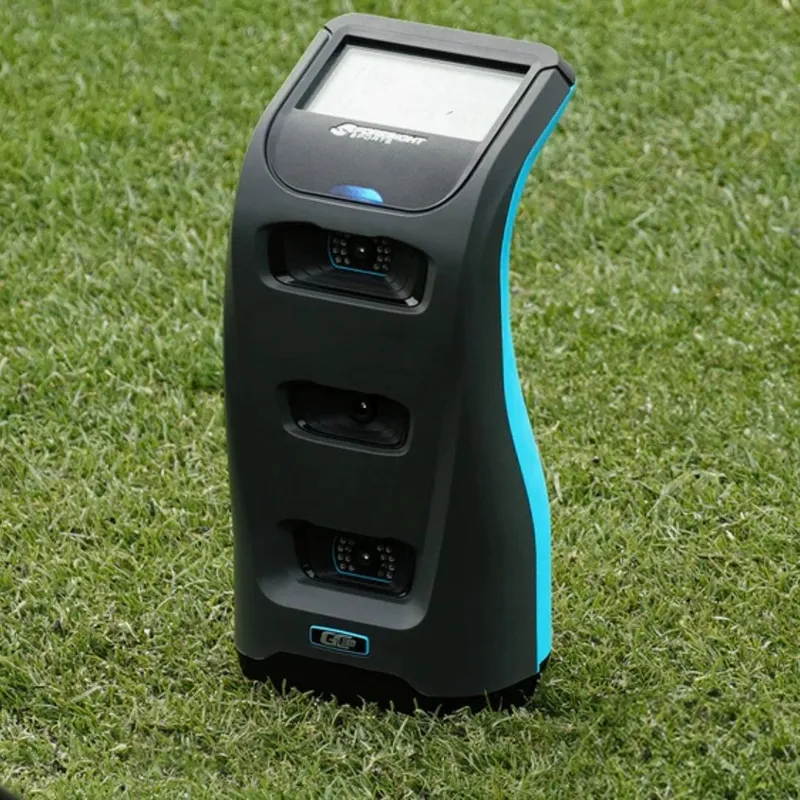
Photometric units use high-speed cameras to photograph the ball, and often the clubface, in the first few inches after impact. They sit beside the ball or above it and read the shot directly instead of watching it fly. That makes them the natural choice for an indoor simulator, especially a room too tight for radar, and the better ones measure spin directly rather than estimating it.
Pros
- Excellent indoors and in shallow rooms; they only need the first inches of flight.
- Higher-end units measure spin and detailed club data directly.
- Often the accuracy benchmark for indoor simulator play.
Cons
- Usually more expensive for equivalent accuracy.
- Can be fussy about lighting and may need marked or special balls.
- A side unit only sees one side of the ball, so placement matters.
Best for: permanent or semi-permanent indoor simulator rooms, and anyone with limited depth.
Example photometric units
Overhead camera (the studio setup)
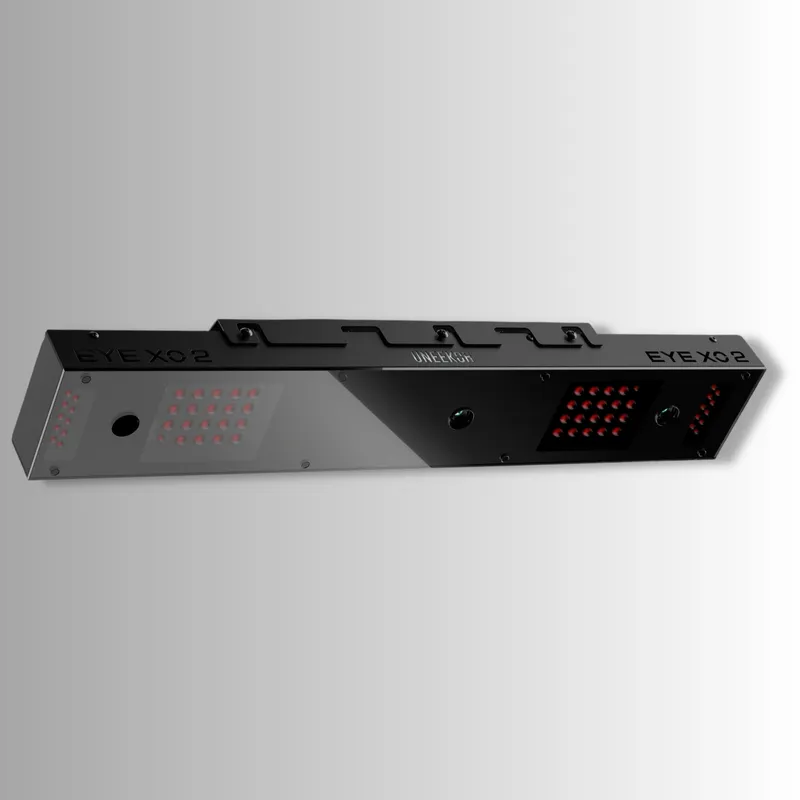
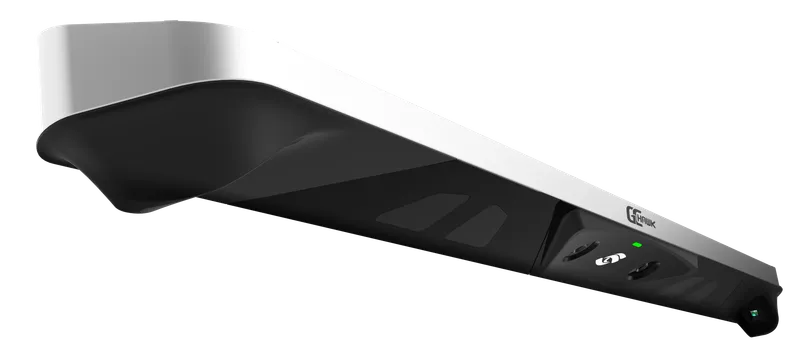
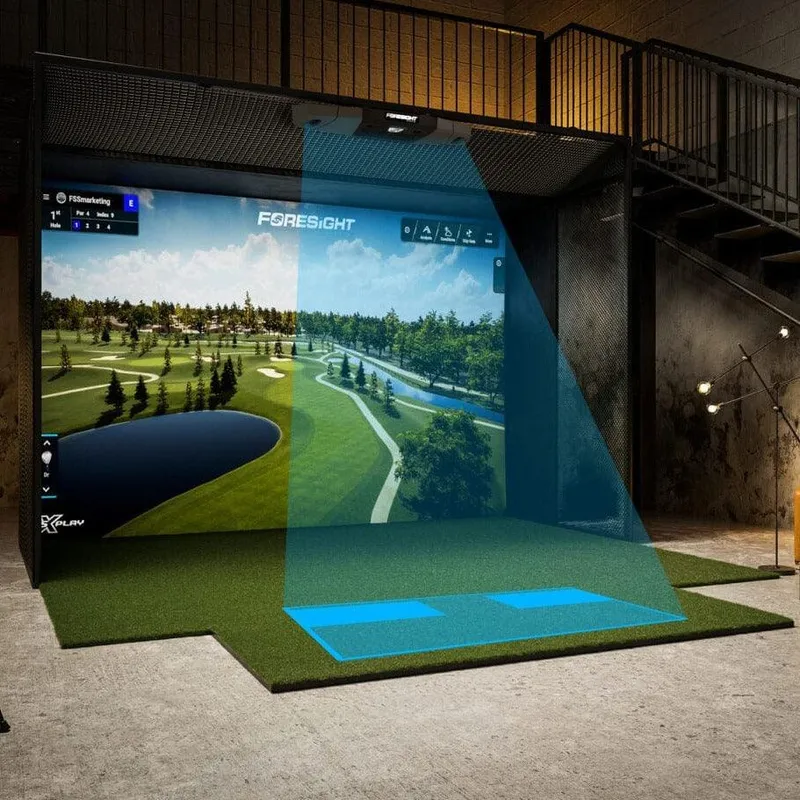
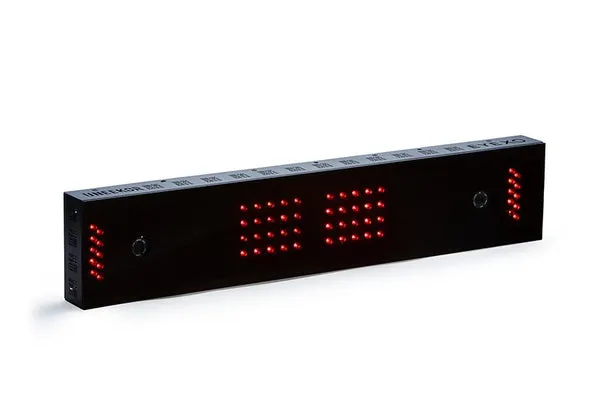
Overhead units are photometric cameras mounted on the ceiling, completely out of your swing plane. Nothing sits beside the ball to hit or trip over, which is why they are the cleanest permanent studio installs. The trade-off is that they need real ceiling height (usually 9-10 feet or more) and they are an indoor-only, install-it-once proposition.
Pros
- Nothing in your swing path; the tidiest permanent setup.
- Works for both right- and left-handers without moving the unit.
- Studio-grade accuracy at the high end.
Cons
- Needs a tall ceiling and a proper mount; not portable.
- Indoor only, and usually the most expensive category.
Best for: a dedicated room with height and budget, where you want a fixed, out-of-the-way install.
Example overhead systems
Hybrid (radar + camera): when to use both
Hybrid units put both technologies in one box: radar to watch the ball fly and cameras to capture the club and impact. You get radar's full-flight strength outdoors and camera-grade club data indoors, which is why several of the most respected all-around units are hybrids. If you split time between a backyard or range and an indoor screen, this is the category that does not compromise.
There is a second version of using both. Some serious players skip the hybrid and instead pair two dedicated units: a portable radar for outdoor range sessions and a photometric unit for the indoor simulator. That costs more and is overkill for most people, but it gives each environment the sensor it is best at.
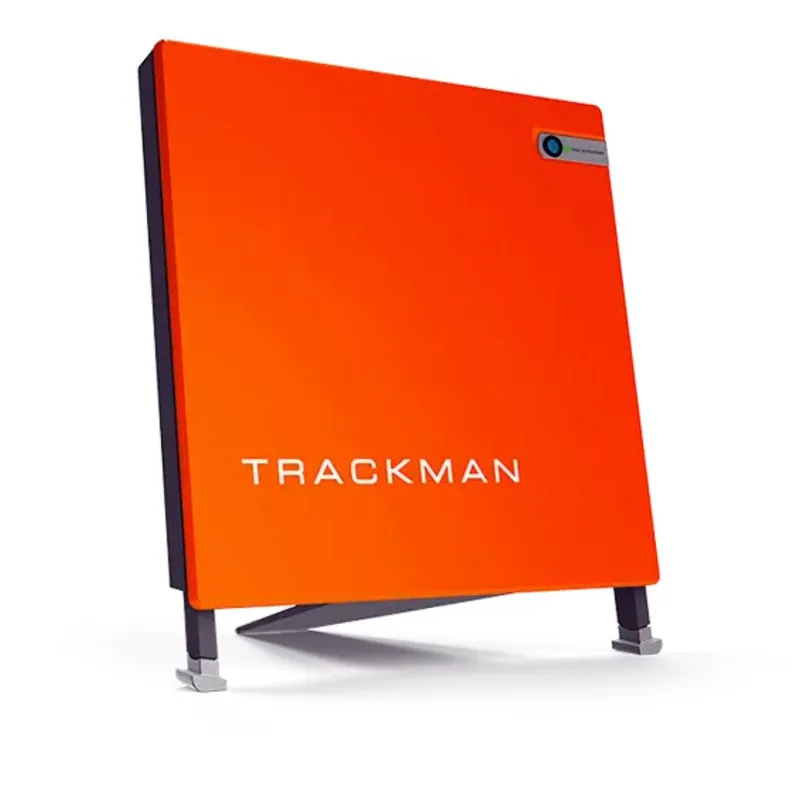
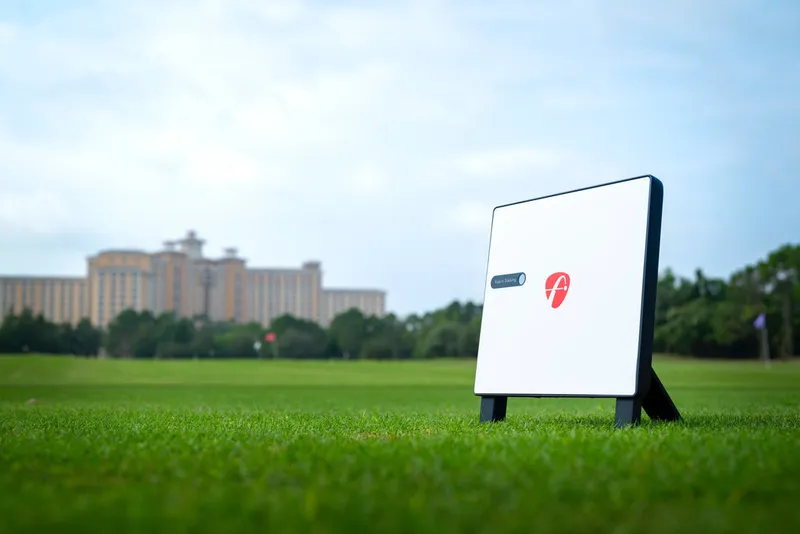
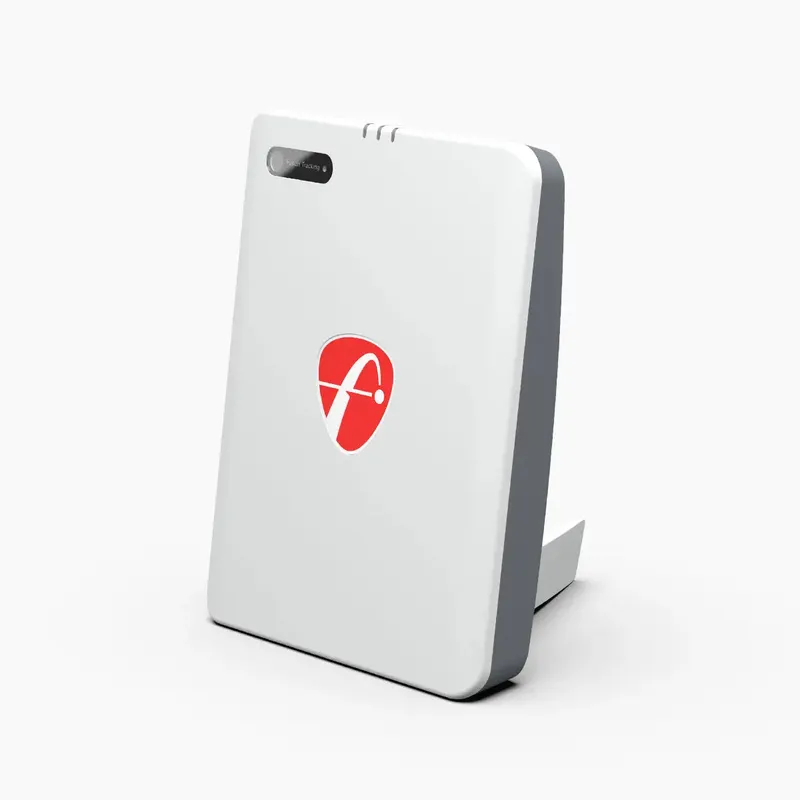
Example hybrid units
Other sensors (swing sticks, mats, putting)
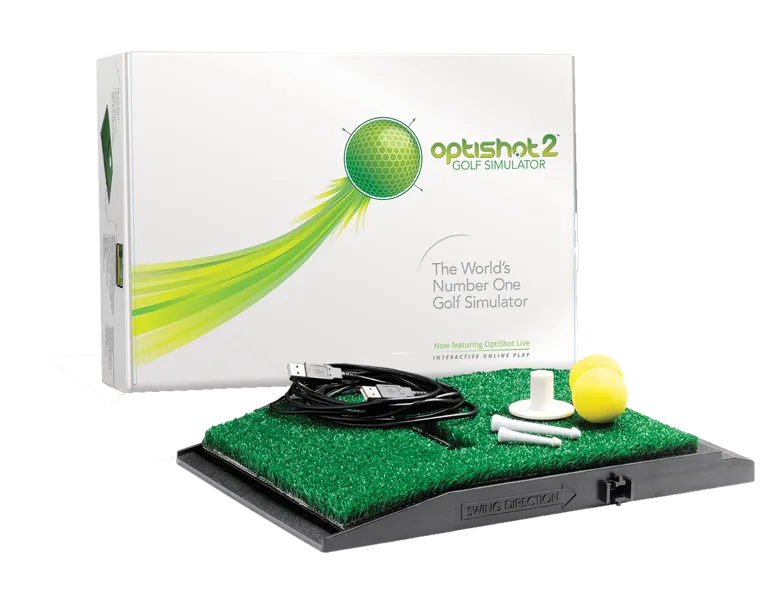
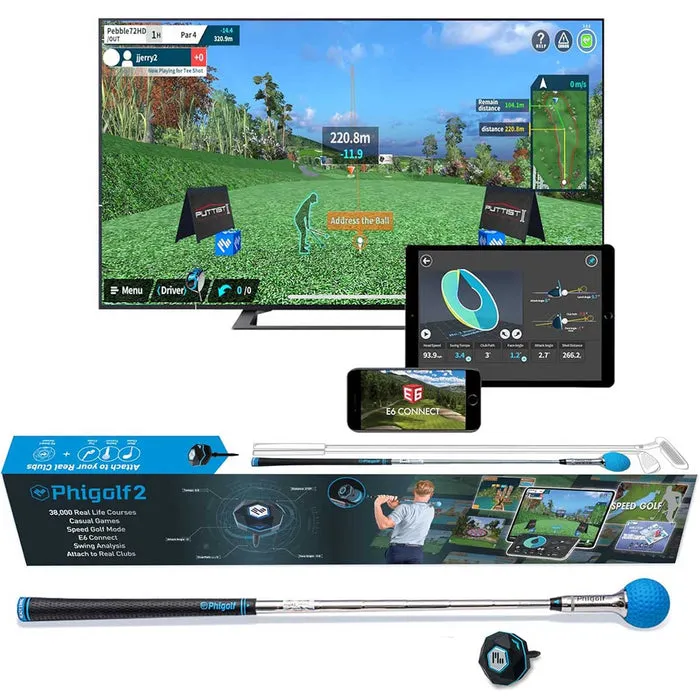
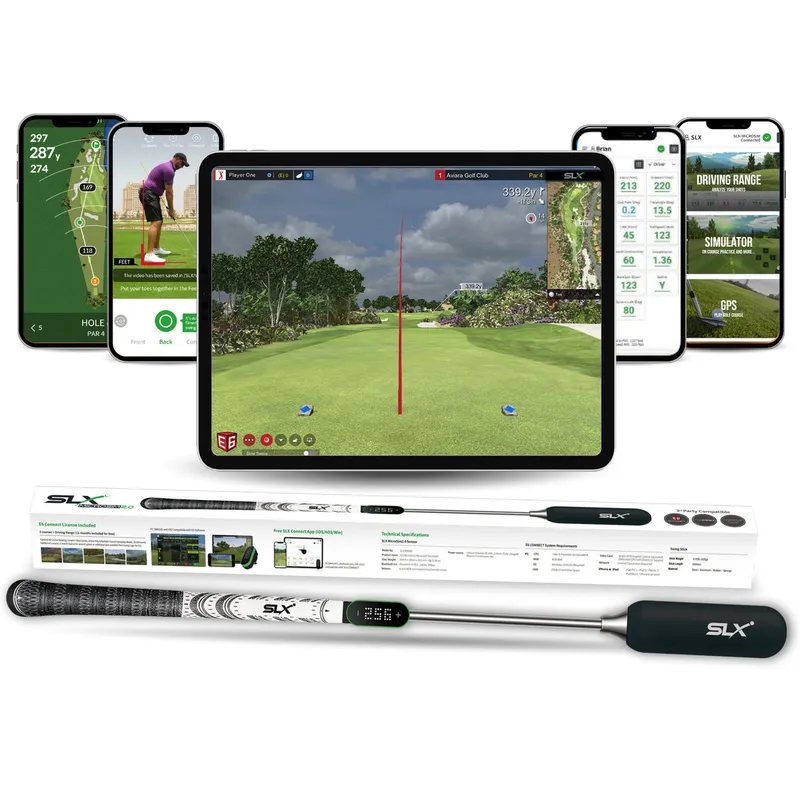
A final group uses neither radar nor cameras: infrared or optical mats that read the club through the hitting zone, swing-stick sensors, and dedicated putting cameras. They are the least accurate for full-swing data, but they are cheap, tiny, and fine for casual play, a putting setup, or a first taste of simulator golf on a strict budget.
Best for: ultra-budget builds, putting-focused setups, and anyone with almost no space who just wants to play.
Example sensor-based units
When to use which
Match the technology to your space and how you play, and the shortlist gets short fast:
- Mostly outdoors, or a deep garage: start with radar.
- Permanent indoor room, especially a tight one: go photometric.
- Dedicated studio with 10 ft+ ceilings and budget: overhead camera.
- You split indoor and outdoor and want one do-it-all unit: hybrid.
- Tiny space or tiny budget, or putting only: a sensor-based unit.
The bottom line
Do not start from a model name. Start from your room and your golf. Decide the technology that fits, and only then compare units inside that group on price, features, and stock. Once you know your category, filter the full archive by tech type to see every option at your price.